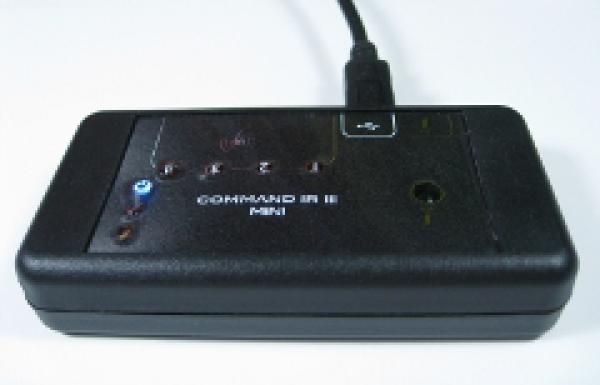
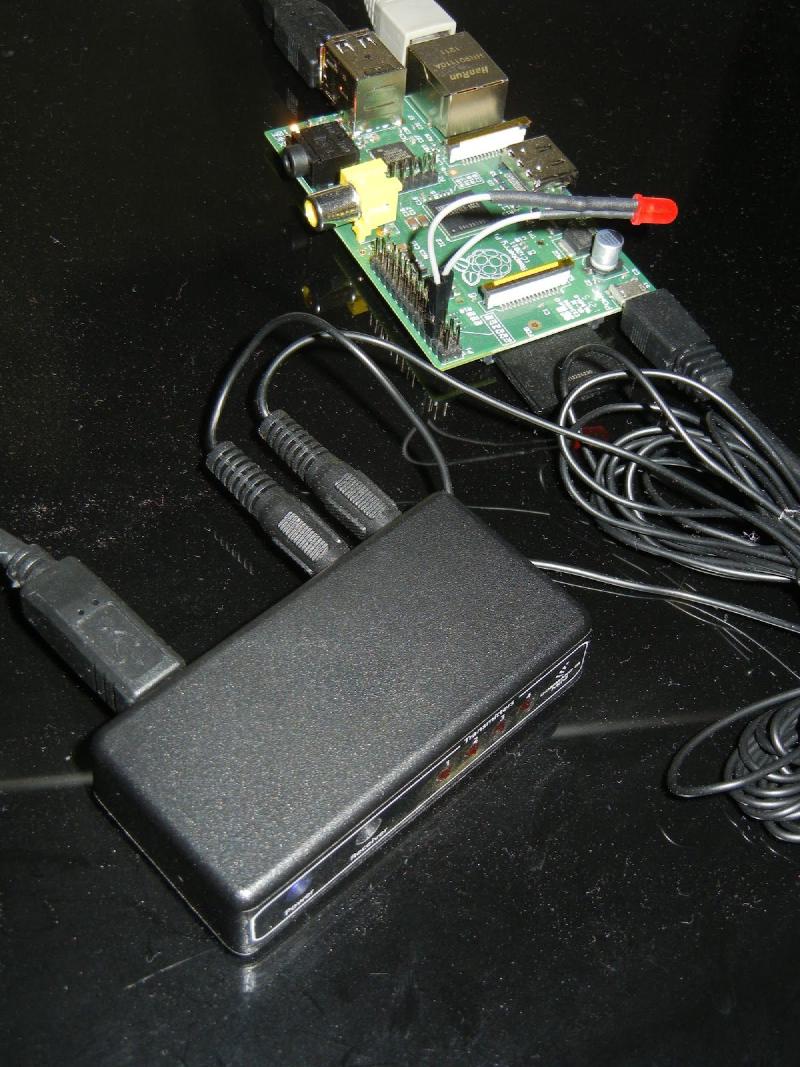
Now that I have had some time to play with the CommandIR, progress has been made. Of the two initial issues I have one left. The first issue is that LIRCD doesn’t auto start even though it is configured in the hardware.conf. While researching, I came to the conclusion that LIRC isn’t reading the hardware.conf at all. I made a change to it, enabling the listen option to try an Android app but it didn’t take effect. When I manually start LIRCD I have to include the options at the commandline. This is still a mystery but I am working with support on it. The odd thing is the init.d service script doesn’t seem to do anything.
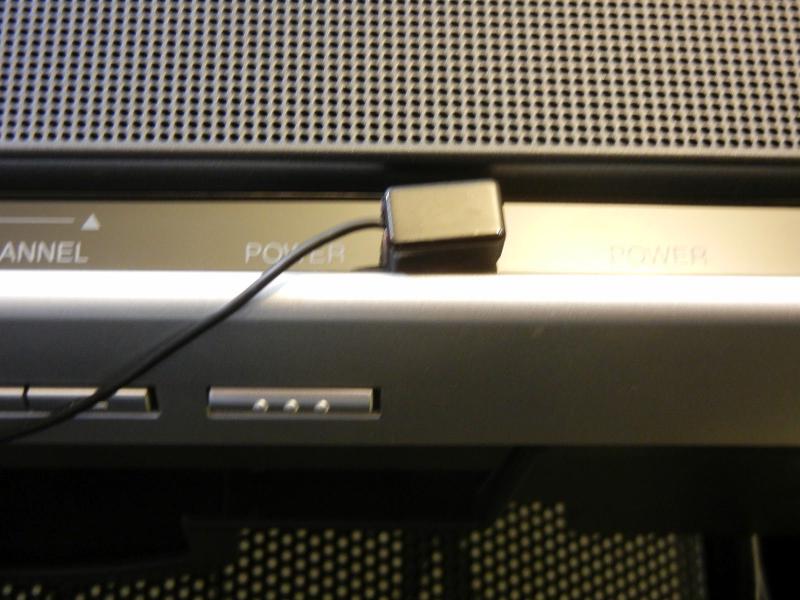

The other problem was getting IR control of the Xbox 360 S and an older Toshiba TV. The TV ended up being be easier of the two at first. The existing remote configs where close but not all the buttons worked for the TV. Using that as a base config, I used IRRecord to get the rest of correct codes. The Xbox was a bit more difficult at first as IRRecord couldn’t find the toggle bit. Even doing RAW mode didn’t work when playing back because of the toggle bit. After a lot of googling I came across this post which linked to a config file that amazingly worked! See below for the links to the config files.
http://dangerousprototypes.com/forum/viewtopic.php?f=29&t=3147 (Last post)
Finally progress was made and it was time to move onto a web interface for IR control. This is my first stab at PHP but I found that I easily picked it up. I’m wondering why I didn’t learn this sooner. I created a page that calls itself with the device and a command you want to send. For example, device 1 and command power would turn on the TV and device 2 would be the Xbox. The point of the web interface isn’t so much for a user but has a gateway from other applications. I might add buttons later if I want to use it directly, possibly from a mobile device.
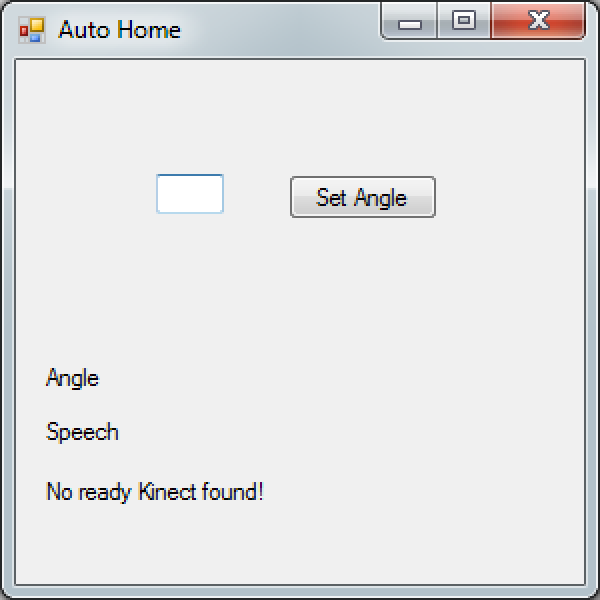
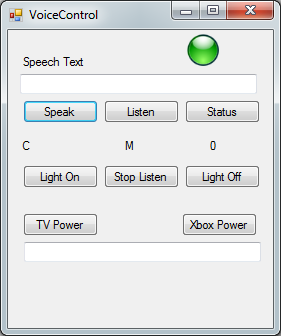
Now with that working I loaded up my voice control app I created in Visual Studio for the smart outlet. Since I want all of these projects tied together what better way then adding it to the voice control app. In the end I haven’t decided if the VB.Net program will be the central control but for now it will work and show things in action. After adding a new voice command I am now able to turn the TV and Xbox on at the same time buy just asking SARAH to do it. ;) (I am using SARAH as the voice keyword as well as a female voice from the SAPI speech engine.)
One issue with this setup (which might not matter in the end), is the system has no way of knowing if the TV/Xbox is on. In the case of the TV there is a command for On/Off but for the Xbox it is just a power toggle. This lead me to an idea of making a sensor using a photocell to detect if the LED on the TV/XBox is on. The more I think about it, this could be useful in other situations as my home automation project continues.
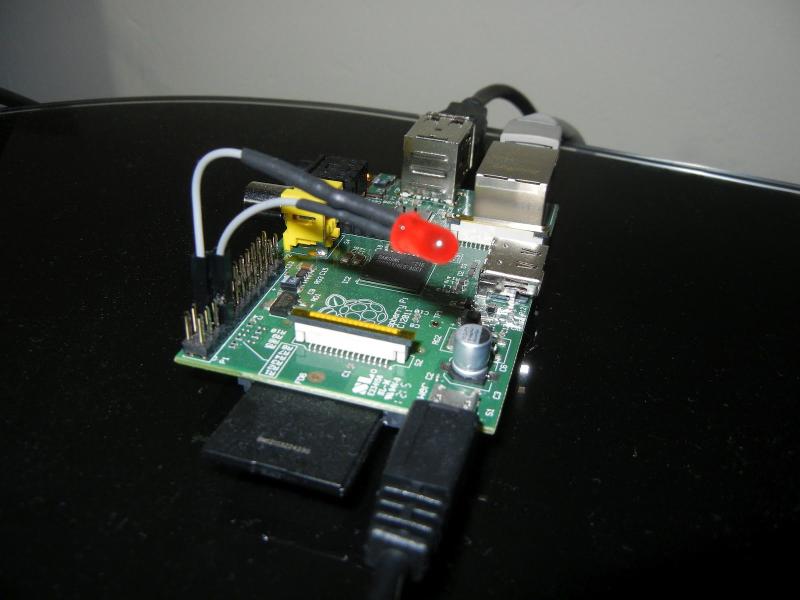
In order to test these LED sensors I need to learn how to use the GPIOs. What better way than hook up a LED to be web controlled? Hello, World! I found the best way is to use the WiringPi library. Raspberry Pi WiringPi Library for C. Now I am currently working on a C program that PHP can send arguments to control or read the GPIOs. I started by getting the C program to compile with the WiringPi Libaray as well as accept arguments. Here is the command that worked for me.
cc -o blink -I/usr/local/include blink.c -L/usr/local/lib -lwiringPi
The example in the comments here work except the letters “I” and “l” look the same with the sites font. Here is the site that I used as an example for passing arguments. I used the one labeled “6.”
http://stackoverflow.com/questions/498320/pass-arguments-into-c-program-from-command-line
Here is where I found how to do GPIO from the command line for testing using root.
http://log.liminastudio.com/writing/tutorials/tutorial-how-to-use-your-raspberry-pi-like-an-arduino
This site also has a blink.c program you can use to test the LED from C. I created a button on the site to run this blink program, just need to test it and figure out how the permissions are going to work.
I also came across this post about using PHP to run processes in the background but haven’t tried it yet.
http://stackoverflow.com/questions/4214031/php-and-shell-exec
Most of my code editing has been done with a PHP file explorer called Extplorer. The highlighting for C didn’t work well but otherwise it is very convenient. http://extplorer.net/ It runs great on the Raspberry Pi, doesn’t need MySQL, and supports FTP mode.
Here is my code so far. I’m posting the code and links to the files. I like sites that show the code on the site so I can read it before I decide I need to download it.
On a side note, I was able to snag these:
Adafruit Pi Cobbler Breakout Kit
And this looks good too:
Adafruit Prototyping Pi Plate Kit
I hope to accomplish more with the Raspberry Pi and make it a part of my larger home automation project. Maybe it could handle the Xbee traffic and/or do data logging from sensors…hmmm?