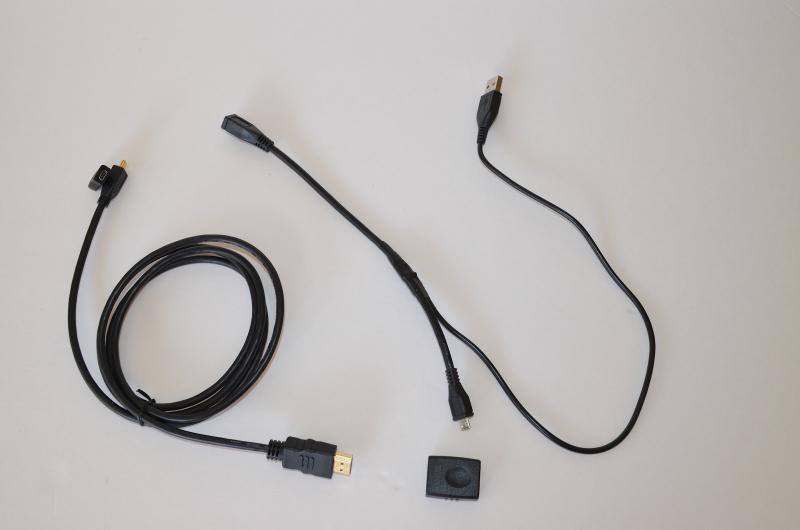
Last month I jumped on the fire sale clearance at Verizon for the Motorola Lapdock 100 (for the Razr). First thing I wanted to do is connect it up to the Raspberry Pi. To do this I had to order some cables and adapters. Here are the cables I ordered plus and the adapter to later use it with an Android stick.
HDMI To HDMI Female F/F - For the Android stick or connecting to a regulator HDMI cable.
5FT 1.5m Micro HDMI to HDMI Cable - Convert Micro HDMI to full size.
Micro HDMI Type D Female to Micro HDMI Type D Female - Join the HDMI cable to the Lapdock.
USB 2.0 A Male to Micro USB 5 Pin B Male adapter cable - Donor for RPi USB data lines.
Micro USB B Male Female M/F Extension - To connect to Lapdock and to splice into for data lines.
Originally, the LapDock is a LCD/keyboard/battery where you can dock your Motorola phone to turn it into a desktop. The phone runs in webtop mode with full browser and it gives access to the phones’ apps. The high price tag was most likely the cause for extremely limited sales so they clearanced them. Good thing for us! If you can’t find one, check eBay, you should be able to at least find the one for the Atrix, as they all will work. I haven’t tested the battery life but I am hearing a solid 5-6 hours. I will let you know how long it lasts for me.
To make it easier they are all from this seller, dailyappliance2010. There many ways of doing this but I was going for the least amount of adapters and cables. This setup did involve splicing, but you if you can find the Blackberry cable then you won’t have to. See a picture on this post, /2012/10/raspberry-pi-tour-photos/. Turns out a quick search on amazon.com reveals a bunch of microUSB spliters that would work. It probably splits both data and power so it would be back feeding into the USB A port. As you can see below I only split the data lines.
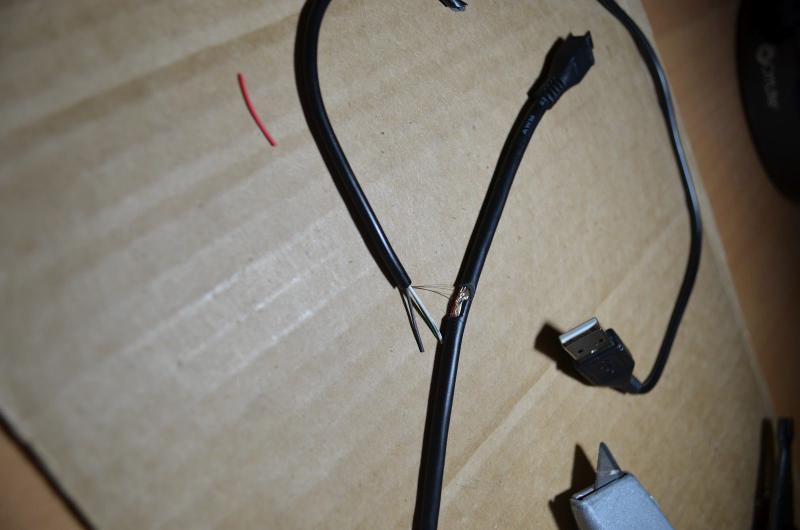
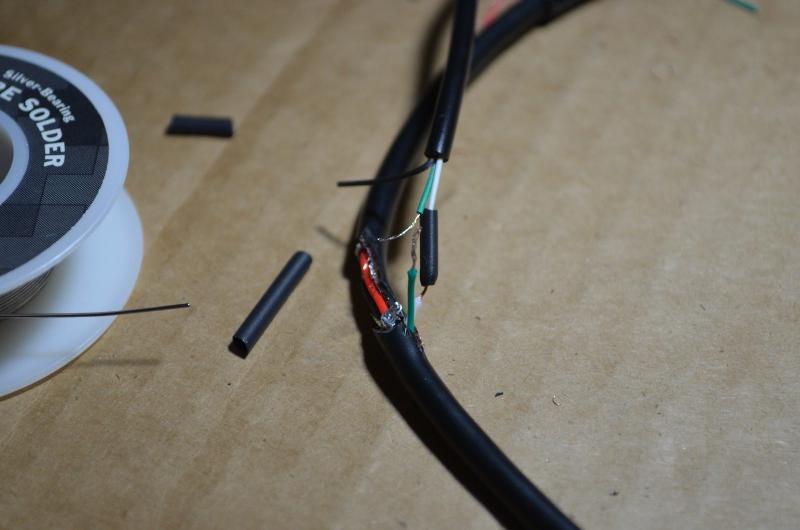
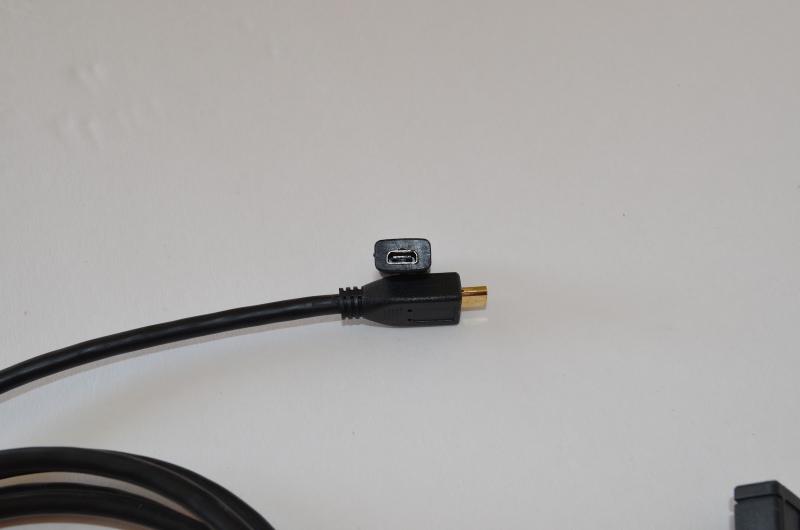
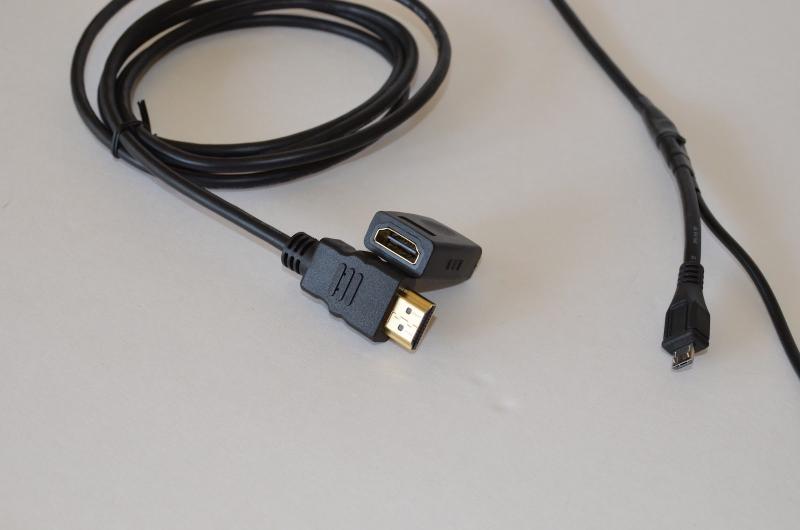
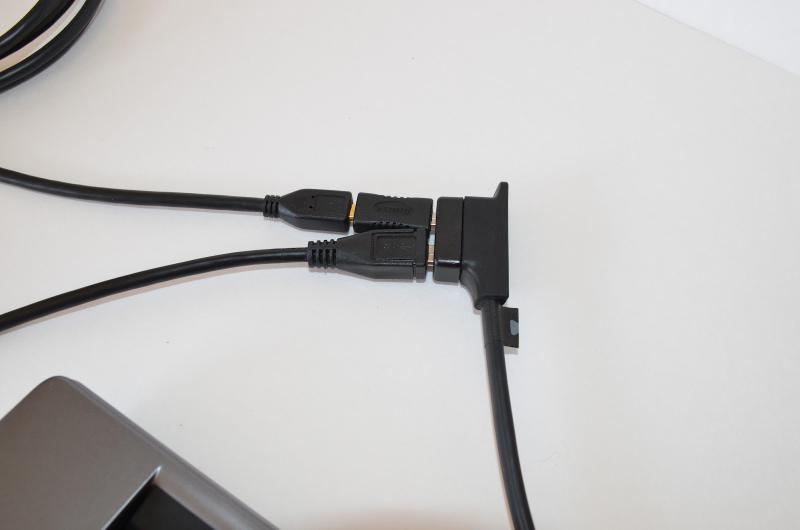
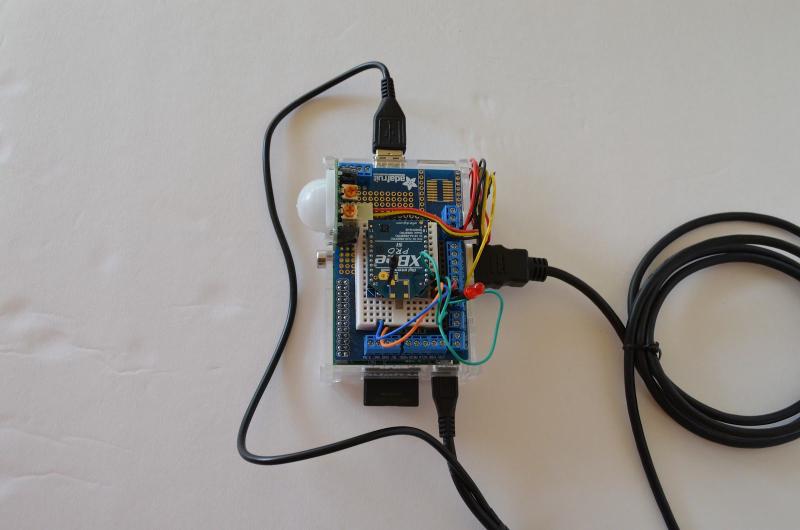
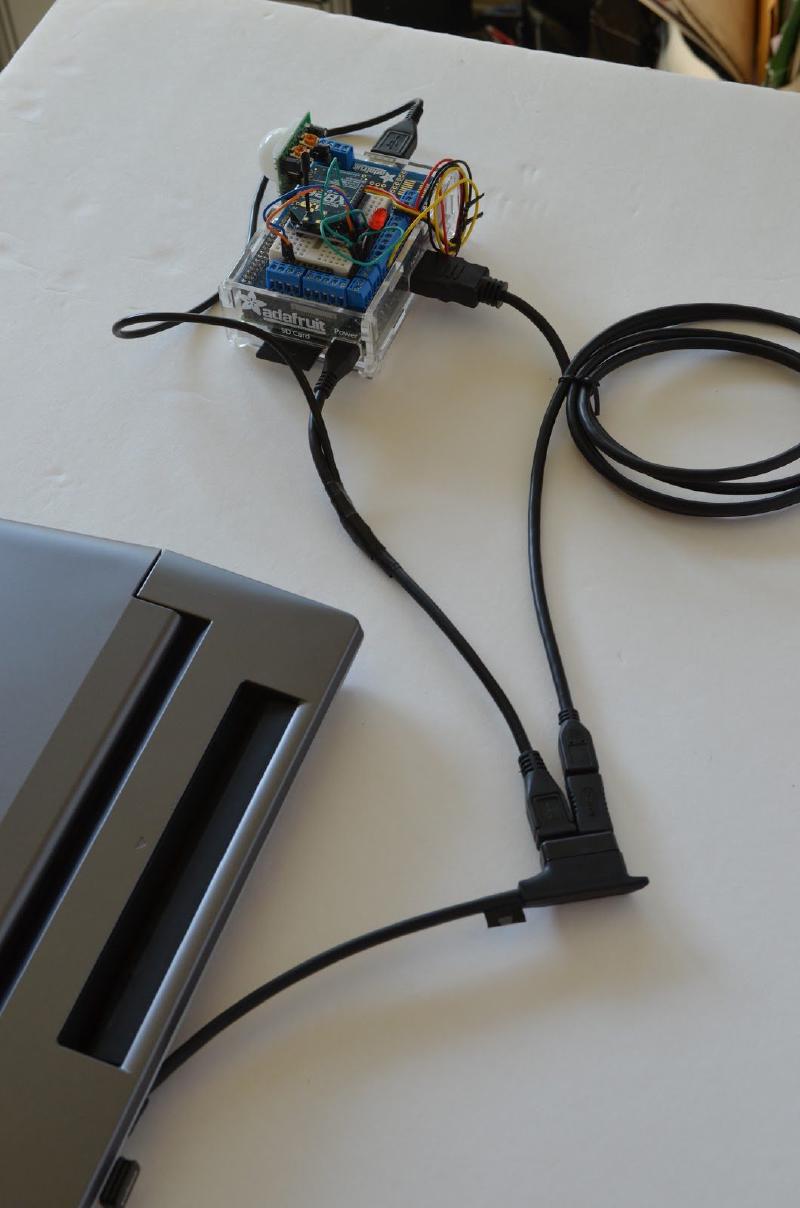
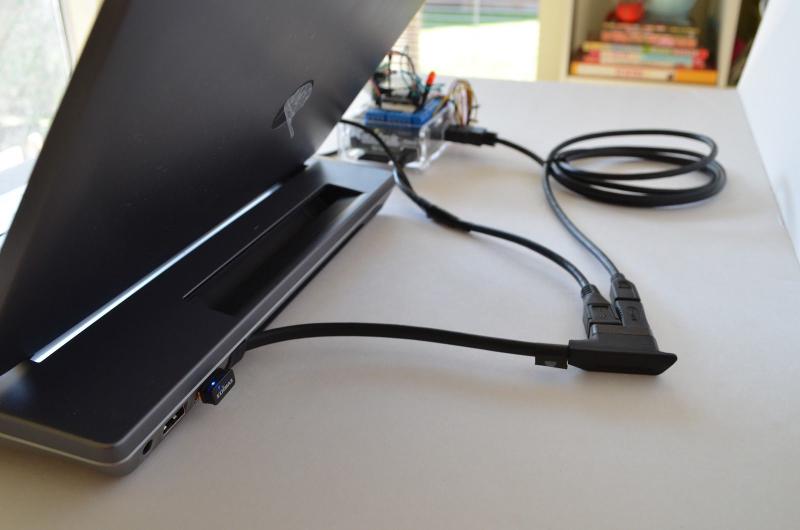
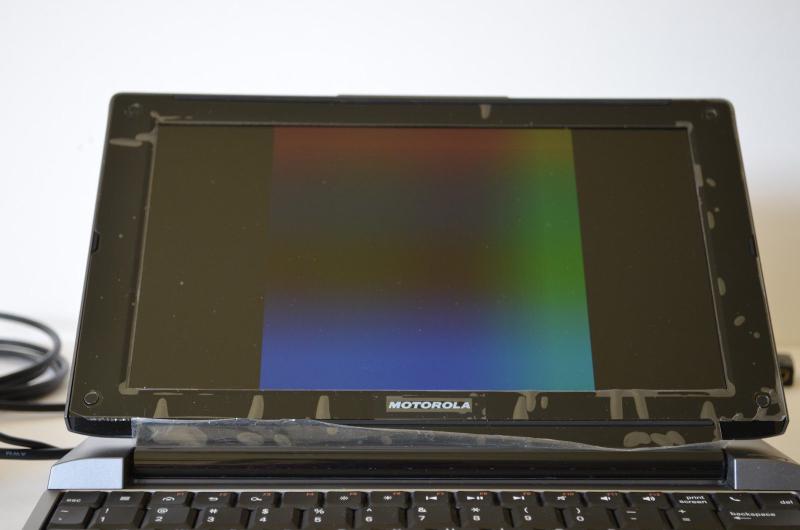
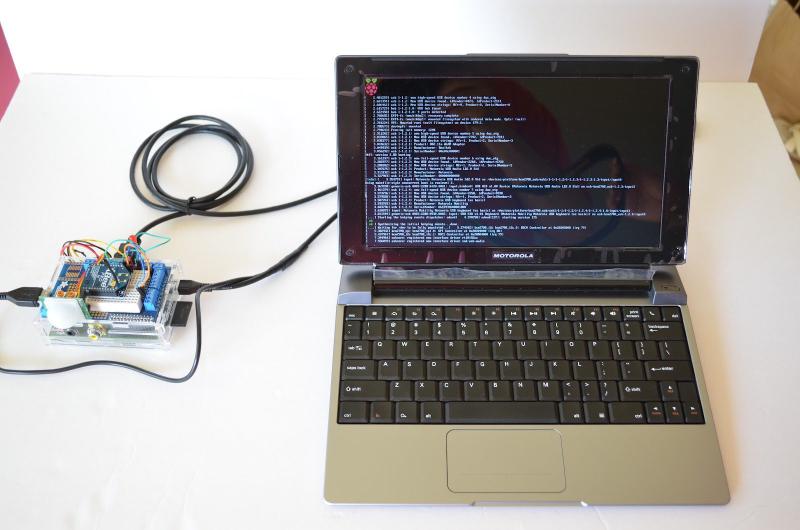
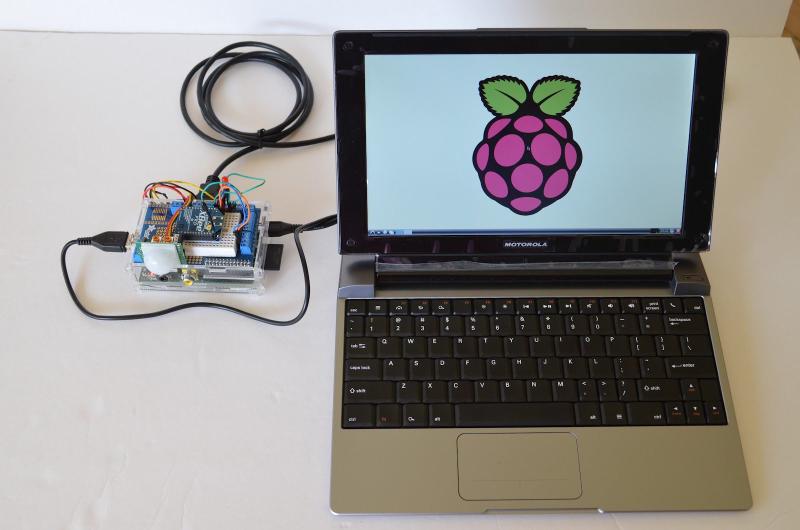
I originally had a few issues getting this to work smoothly. I couldn’t get the Lapdock and the RPi to detect HDMI at the same time. The Lapdock is picky when it will turn on and the RPi only turns on HDMI when it detects something is there. I ended up setting the RPi to always turn on HDMI regardless if it is connected. Here are the settings I set in the /boot/config.txt, using these settings I aways also able to get audio working. I think the audio is going over USB instead of HDMI, not sure 100% yet.
hdmi_force_hotplug=1
hdmi_drive=2
At first the only way I could get it to detect the RPi was to connect everything with the Lapdock unplugged and off. If nothing is connected the Lapdock will stop supplying power after a few seconds. Then open the lid and press the power button on the top right by the LCD. I think the Atrix Lapdock doesn’t have a power button and it just turns on when it detects the HDMI is connected. Today I tried fully powering up the RPi from a separate power source, then connecting it to the Lapdock while it is off and then powering it up. This worked well, it showed the login prompt. I am not sure why I spent so much time trying to get it to work last Friday night when the cables came in. I think the key is to force HDMI always on and to make sure the RPi is outputting a signal before turning on the Lapdock. The Lapdock only gives a few seconds to detect the HDMI/USB signal before turning off and then it won’t try again until it is completely off.
Now that it works, I want to get another RPi to be dedicated to the Lapdock. The next time around I think I will back feed power via the USB port with either getting a version two or replace the polyfuses with a bridge. This will make it a simpler connection and easier to mount it to the Lapdock.
Have a similar setup? Comment below!