Over the last few months as I have been working with the Raspberry Pi, I have been using eXtplorer as a file manager and text editor. It is PHP and runs from the RPi’s web server. This is a great way to write code on the RPi from your desktop or from any web browser. I figured that I should share it since it is such a great tool. It should almost come with Rasbian. You can find it here: http://extplorer.net/
Here are some pictures of it running on the RPi:
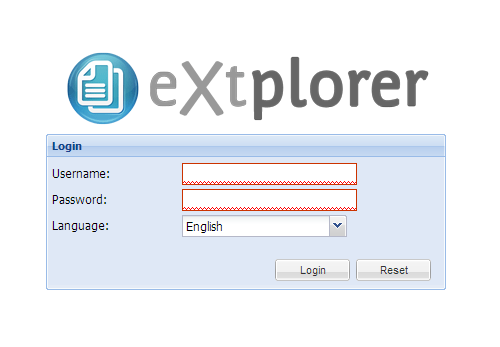
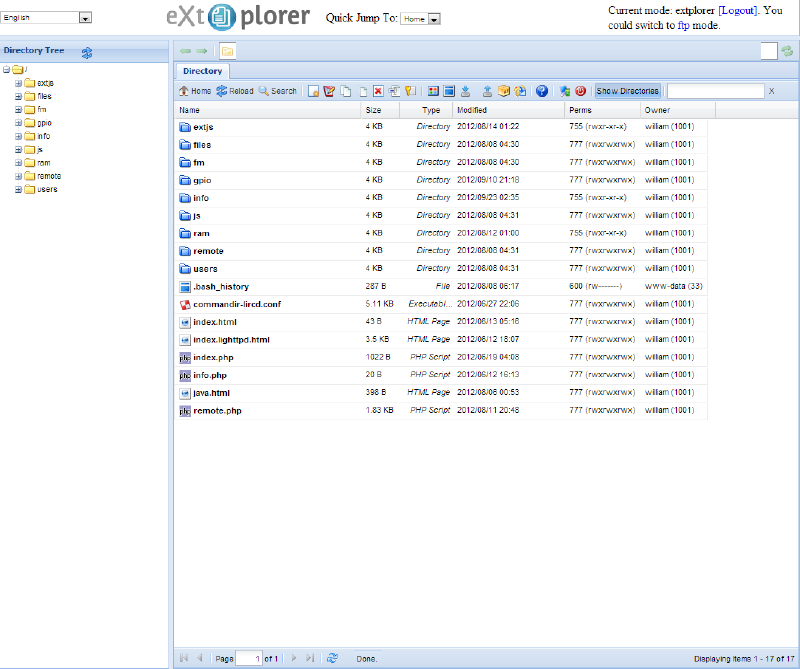
Some of the great features are listed below (from their site). This is a must needed tool for working on the Raspberry Pi! I can’t live without it.
eXtplorer Features#
The Main Features of eXtplorer are:
Copy & Move Files and Directories by Drag&Drop
Dynamic Directory Tree with on-demand loading of subdirectories
Edit Files (with Syntax-Highlighting thanks to EditArea)
Rename, Delete or Create new Files and Directories
Access Files through ‘‘FTP’’ or directly (using PHP) to totally overcome permission and file ownership issues
Upload or Download files just as you like
Create and Extract Archives (ZIP, Tar, Tar/GZ, Tar/BZ)
User Management with different permission levels like “View only” or “Edit” and “Admin”
Easy Install:
As a component for Joomla!.
On Linux system with Debian package
Upload the install file to your web host
One of the features not list above is you can set Linux permissions and when working with multiple files they each can be viewed in their own tab. This interface uses the extJS4 interface library which I would love to learn. I messed with it a bit but I need to spend more time on it. It would be a great environment to develop my entire Home Automation and Robot controls in.
Do you use or have you heard of eXtplorer? Let us know, I’m always looking for other projects!