In my last Adafruit order, I decided to get the Raspberry Pi camera and the Pimoroni Raspberry Pi Camera Mount. This has been on my to-buy list for quite some time. I first saw the camera in person at Hacker Dojo when Rob from RPi came on his tour in the States. I am really excited to see what fun stuff I can come up with. In the past I have used a webcam on my desktop with ActiveWebCam to stream my entry-way to keep tabs on it. I want to try the Raspberry Pi to replace this setup as well as other projects. I have may have to put a few more cameras to go with all the Pi’s on my desk.
The camera comes in a static bag with a how-to card and in the same box as the Raspberry Pi comes in.
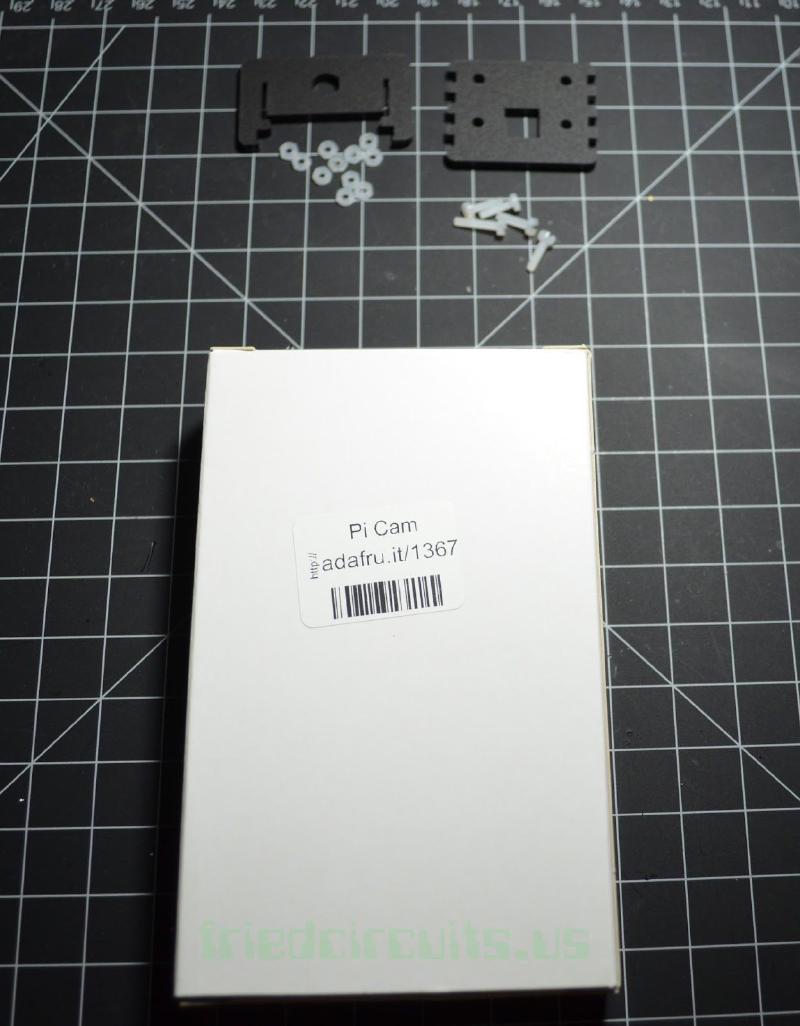
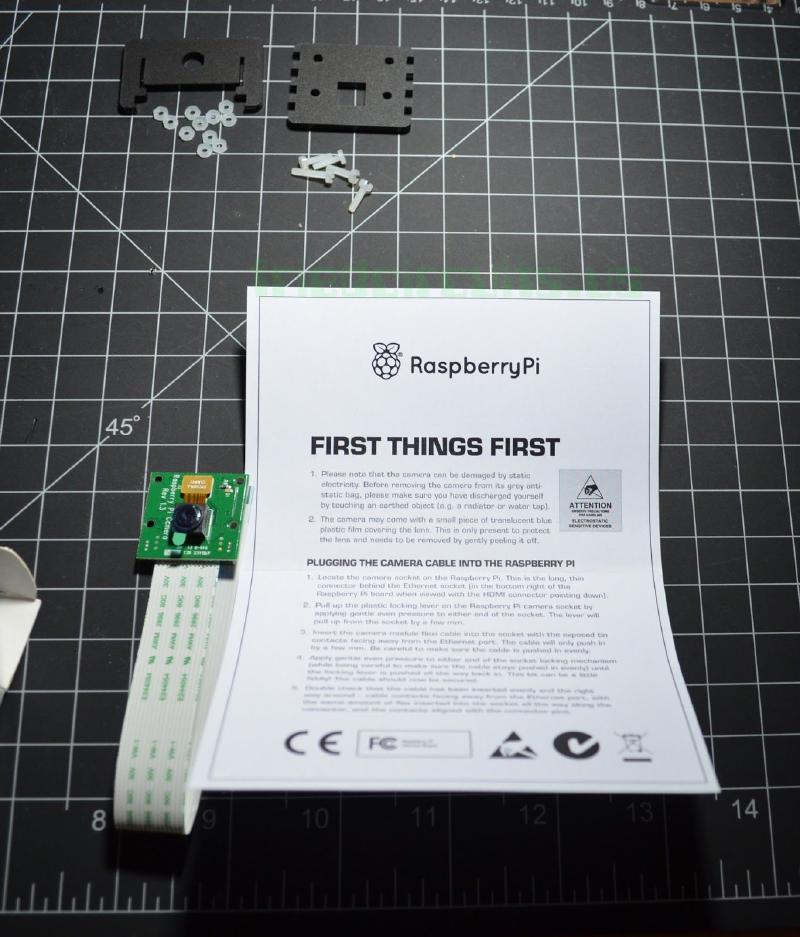
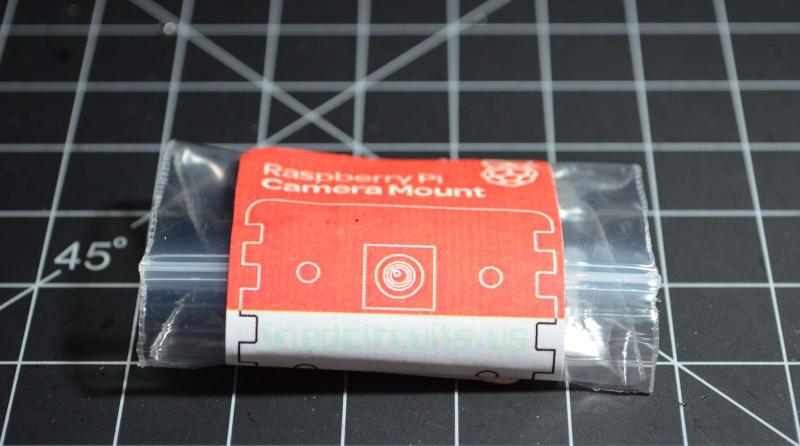
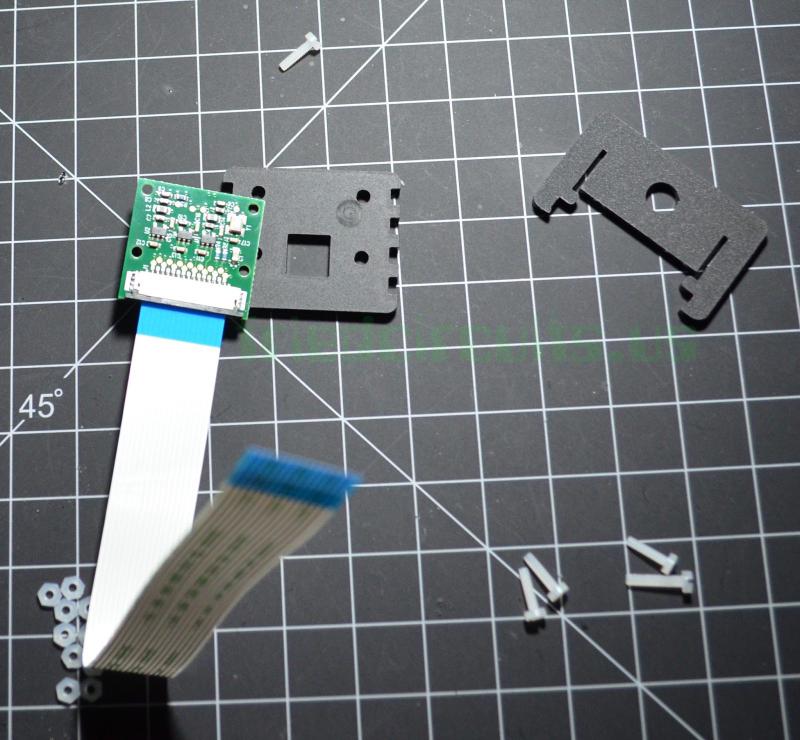
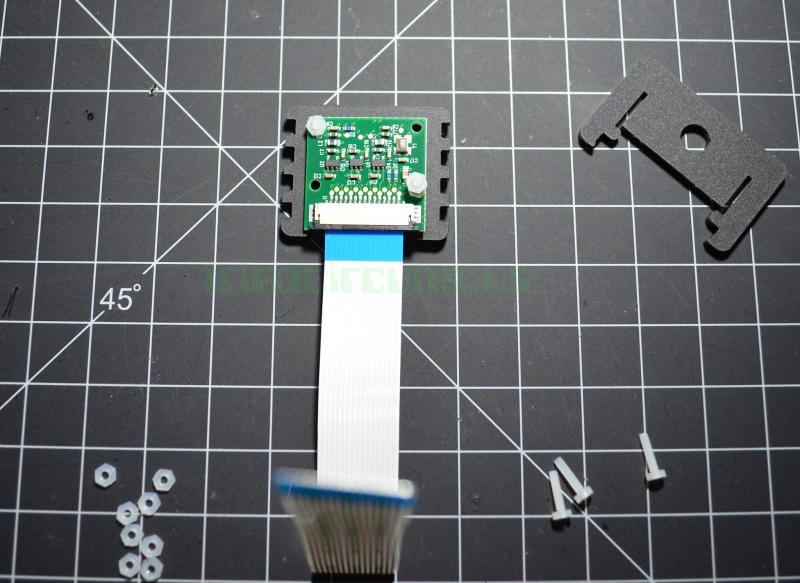
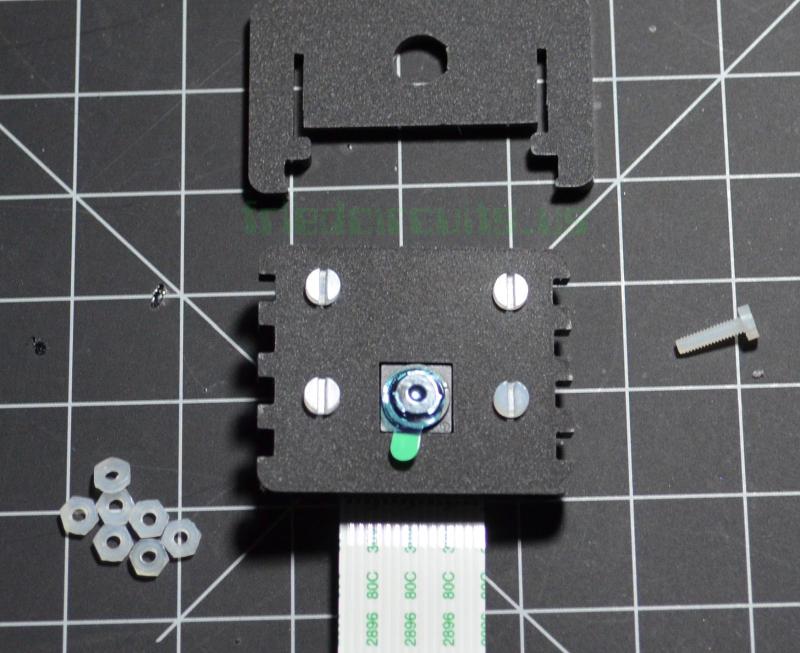
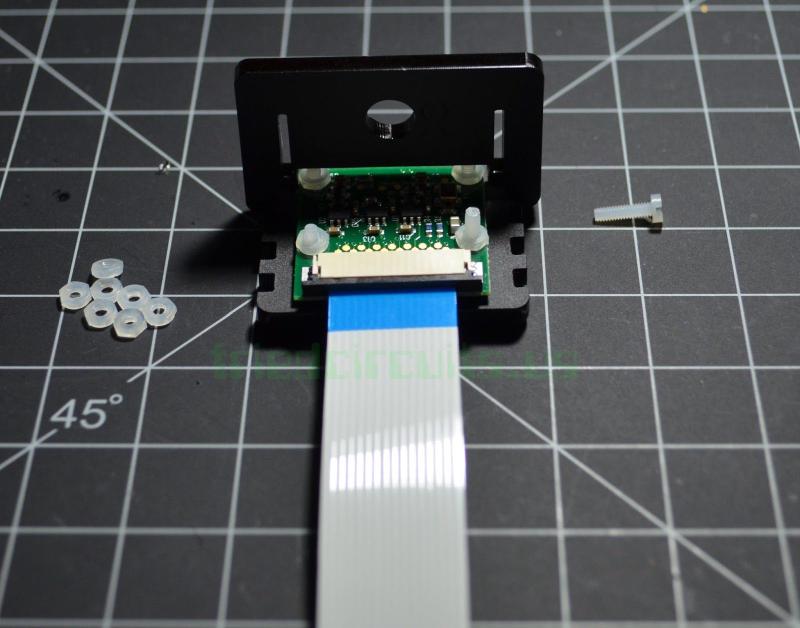
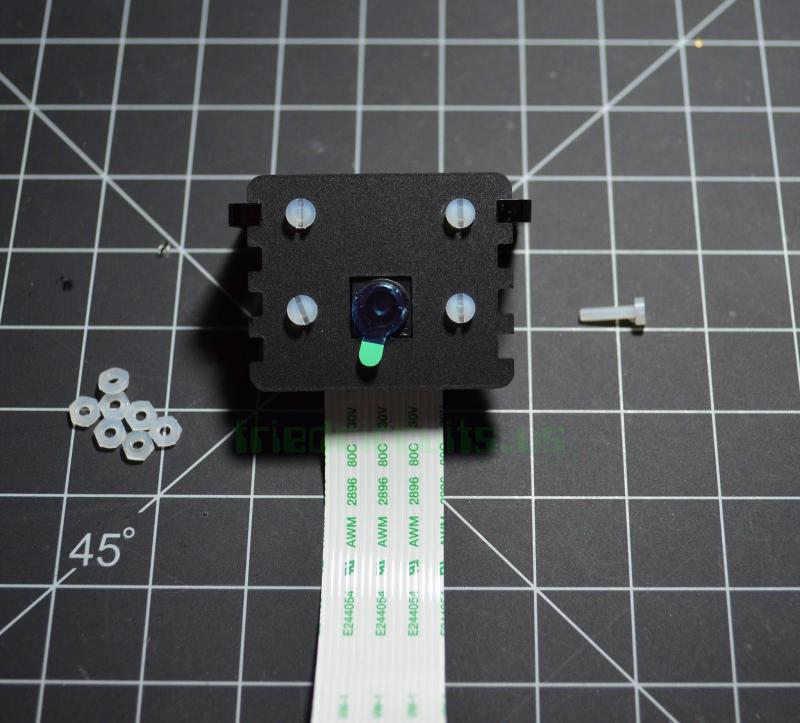
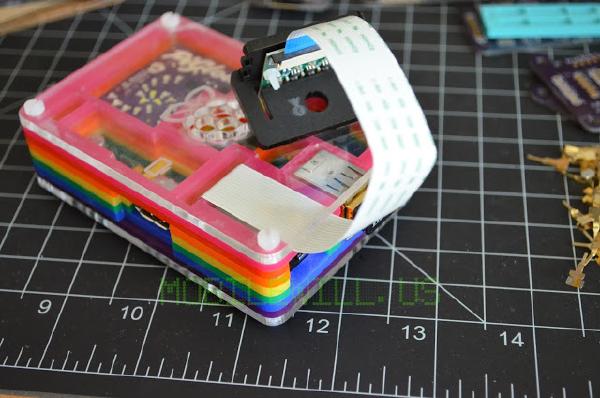
The camera mount comes in a small zip lock with a set of nylon screws and nuts. After assembly I was left with one screw and nine nuts. Assembly is pretty straight forward. First you remove the plastic cover from the finished side of the acrylic and then put the camera face through the opposite side. This way the finished side is what you see. Slide the nylon screws in from the finished side and attach the nuts. I left the film on the camera lens for now till I am ready to use it. The second part of the camera mount is adjustable to your needs and has a hold to mount a tripod. Enjoy the pictures below.